Vision11 wallet & KYC: verification flow
The Vision11 Wallet holds your balance, eligible withdrawal methods and KYC verification status. KYC is required before the first withdrawal.
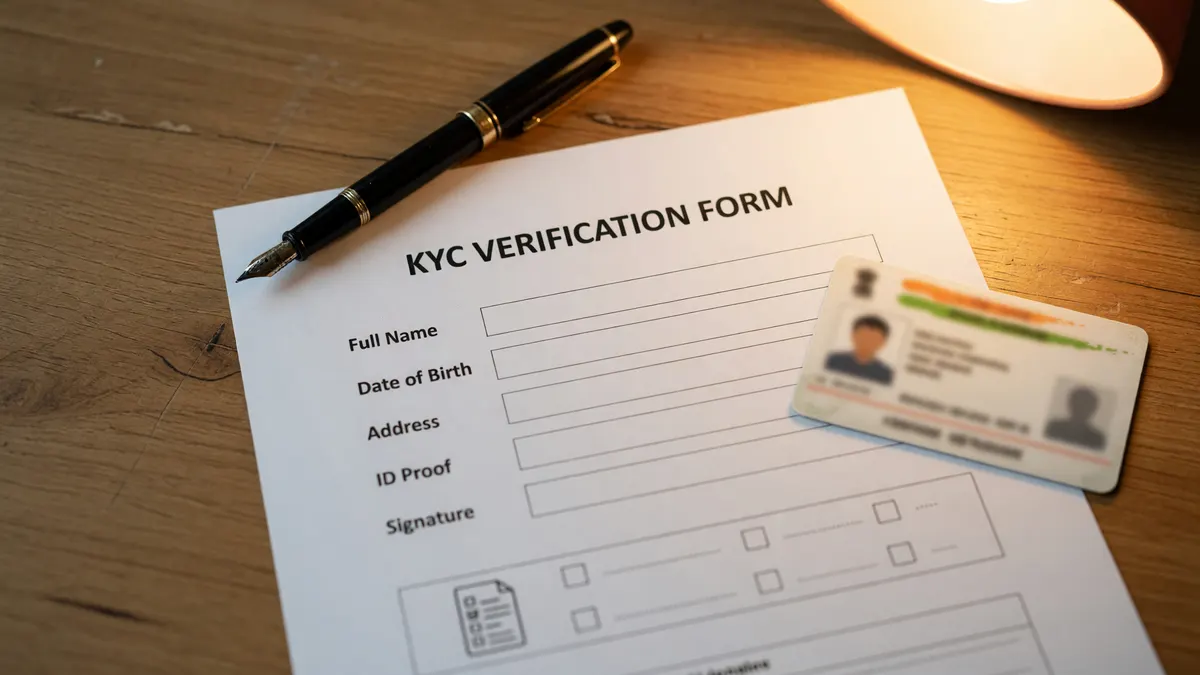 The Wallet section lives inside the Vision11 app. Photo: editorial desk archive.
What is the Vision11 Wallet?
The Vision11 Wallet is the in-app section that holds your balance, eligible withdrawal methods and KYC verification status. The Wallet is the canonical source for any balance, withdrawal or KYC question — the editorial desk on this site is a reading reference and does not host or process any wallet operation.
KYC documents
| Document | Where uploaded | Purpose |
|---|---|---|
| PAN | In-app Wallet → KYC | Identity verification |
| Bank account | In-app Wallet → KYC | Withdrawal method |
| UPI ID | In-app Wallet → KYC | Withdrawal method (optional) |
The KYC verification flow
- Open the Vision11 app and tap Wallet.
- Tap KYC and follow the prompts.
- Upload the PAN and bank account or UPI ID in the same name as your Vision11 account.
- Wait for the verification status to update — typically minutes during operating hours.
- Once verified, the Wallet enables the withdrawal flow.
What if KYC is rejected?
If KYC is rejected, the Wallet shows the rejection reason. Common reasons: name mismatch between PAN and bank account, expired PAN, blurry document upload. Re-submit with corrected documents; contact in-app Customer Care if the rejection persists.
How this page fits with the rest of the desk
This page is the home for the Wallet & KYC reference. The Withdrawal page covers payout processing windows. The Customer Care page covers in-app help. The Winners hub carries the anonymized payout ledger.
Read the squads, then build the team.
Open the in-app ₹1 contest and put the desk's captain pick to work this matchweek.